Manage, download and export your results
1 min read
All finished portraits collect in the portfolio. From there you manage them, download them and take them wherever you need them.
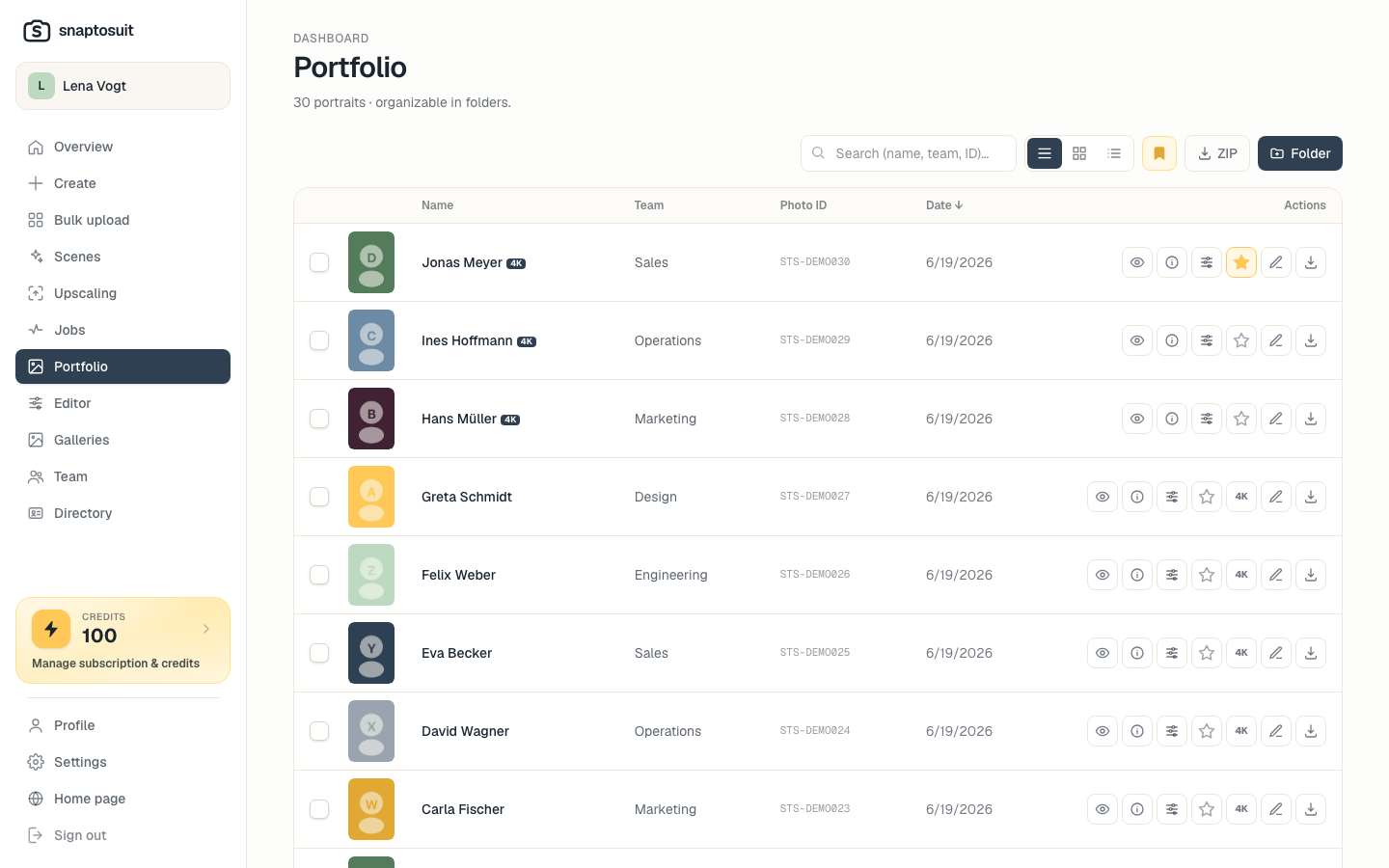
Keep an overview
In the portfolio you see your portraits at a glance. That way you quickly find the right variant and compare different looks of the same person.
Download individually or as a ZIP
You download a single portrait or export the whole team at once as a ZIP. That saves time when you want to share many images at the same time.
Use them everywhere
The portraits belong to you and you use them freely. They suit LinkedIn, your website, the team directory, a CV or email signatures. For print you can create a higher resolution 4K version when needed.
Edit afterwards
If you want to adjust something, you open the image in the built in editor right in the browser. There you change brightness, color and framing, with no separate program.