Create your first professional portrait
1 min read
snaptosuit turns a selfie into a professional business portrait, with no photo studio. This guide takes you from login to the finished image.
Step 1: Upload a selfie
Open the Create area in the dashboard and upload a selfie. A photo with even light on the face and a straight look into the camera works best. Avoid strong filters and heavily obscured faces, that makes the job easier.
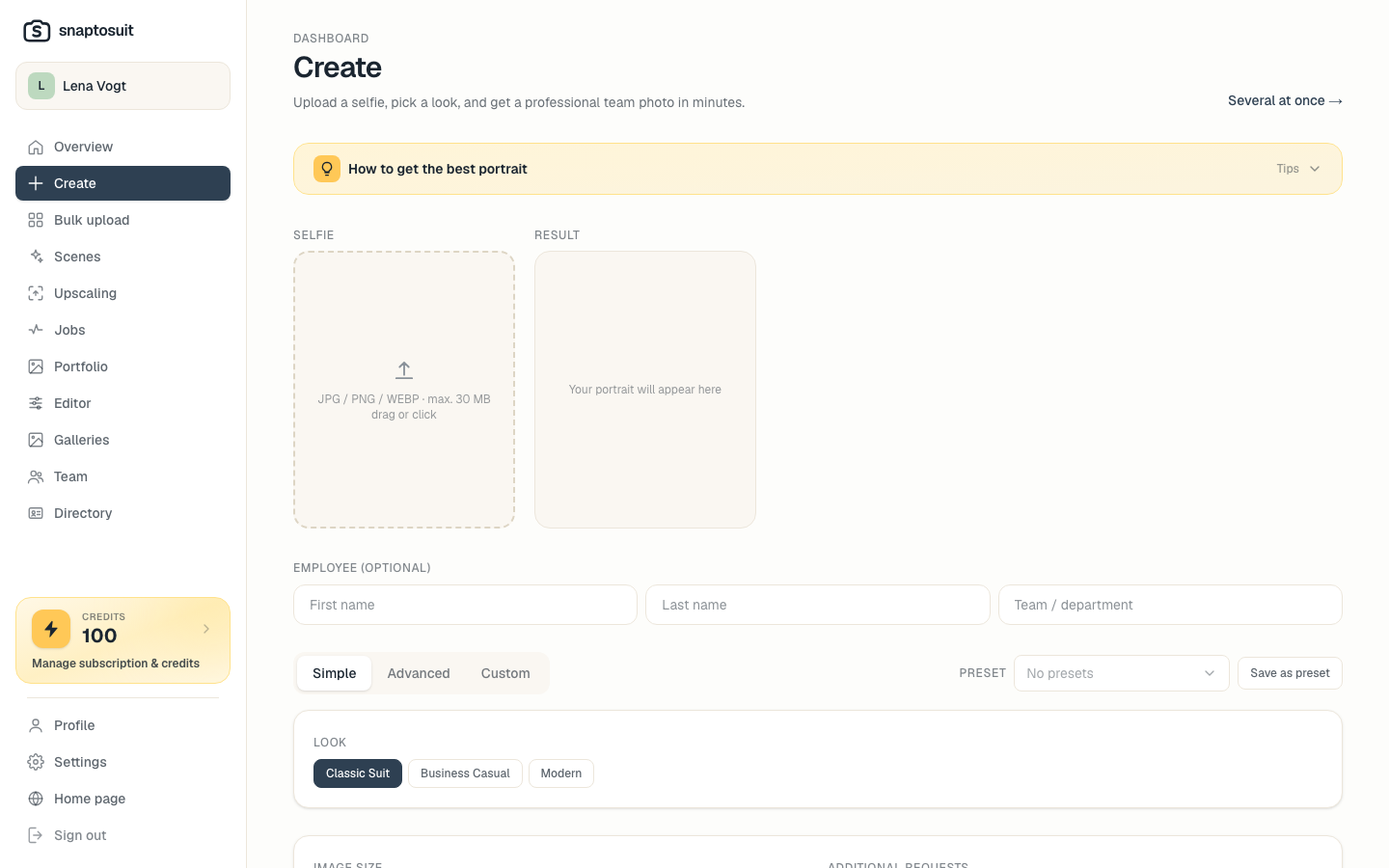
Step 2: Pick a look and background
Now you decide how the portrait should feel. You choose outfit, background and framing. A calm, neutral look suits a team directory, while a profile can be bolder. A background in your brand colors creates a recognizable presence.
Step 3: Generate and choose
One click on Generate creates your portrait. If something is off, you simply create a new variant and change look, background or framing until it fits. Each generation counts towards your daily allowance, so you stay in control.
Step 4: Download
Once the result is ready, you download it in high quality. If you need an even higher resolution, for print for example, you can upscale the portrait and create a 4K version.
Tip: For the ideal source selfie, see the guide to better selfies.