Choosing looks, outfits and backgrounds
1 min read
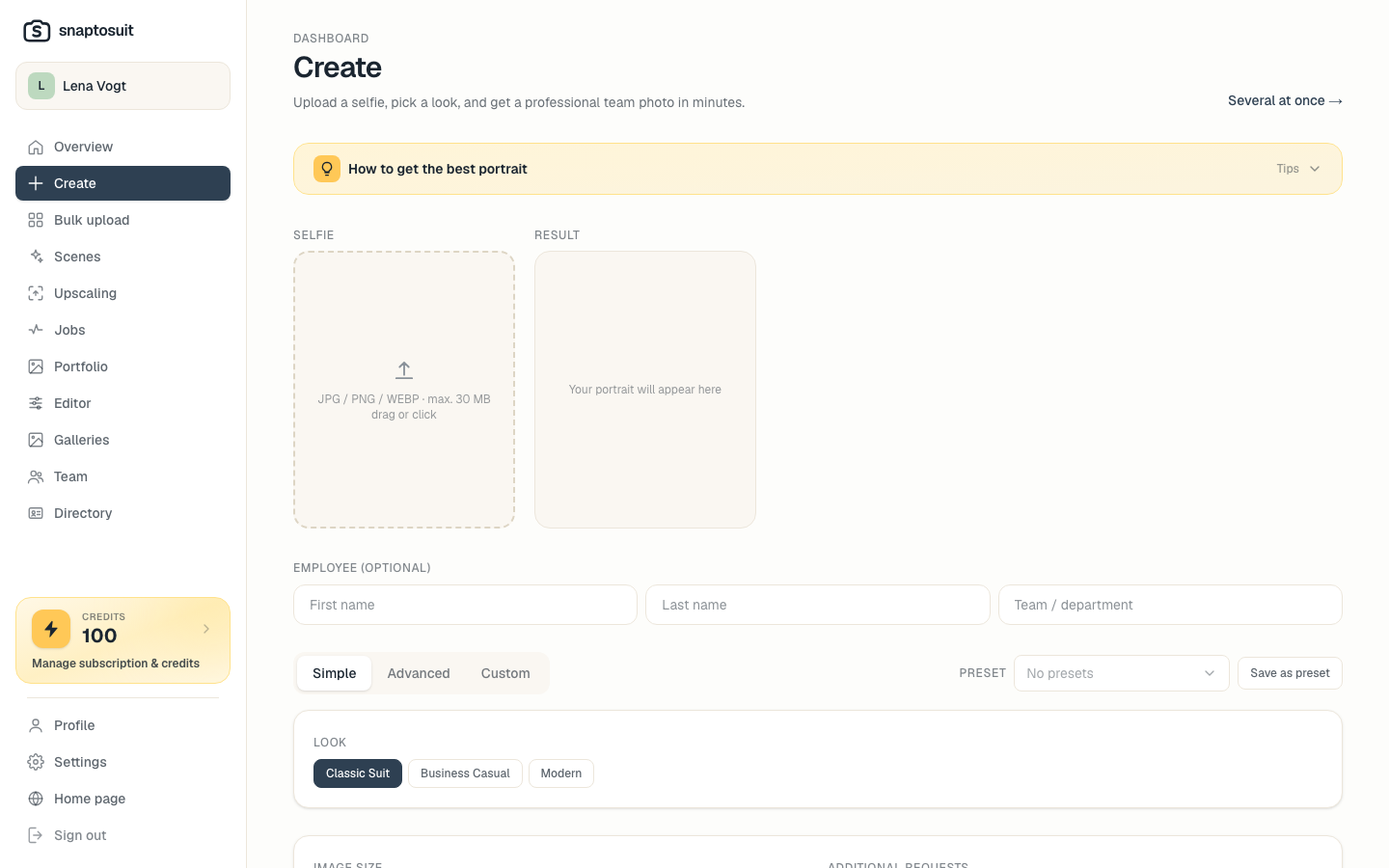
The look decides how professional and consistent your portraits feel. Before each generation you set outfit, background and framing.
Templates for the whole team
Define a look once with outfit, background and image style, then apply it to everyone. That turns individual photos into a coherent team presence, even if the selfies were taken in very different places.
Use your brand colors
Set backgrounds in your brand colors. That makes the images instantly recognizable on your website, LinkedIn and team directory, and looks considered.
Framing and effect
A tight crop feels approachable and works well for a profile. A slightly wider crop suits a calm, serious directory. Feel free to try several variants; each one counts towards your daily allowance.
Several looks per person
For the same person you can create several looks, for example a subtle one for the directory and a bold one for a profile. That way everyone has the right image for each purpose.