From selfie to print: when 4K is worth it
snaptosuit · July 4, 2026

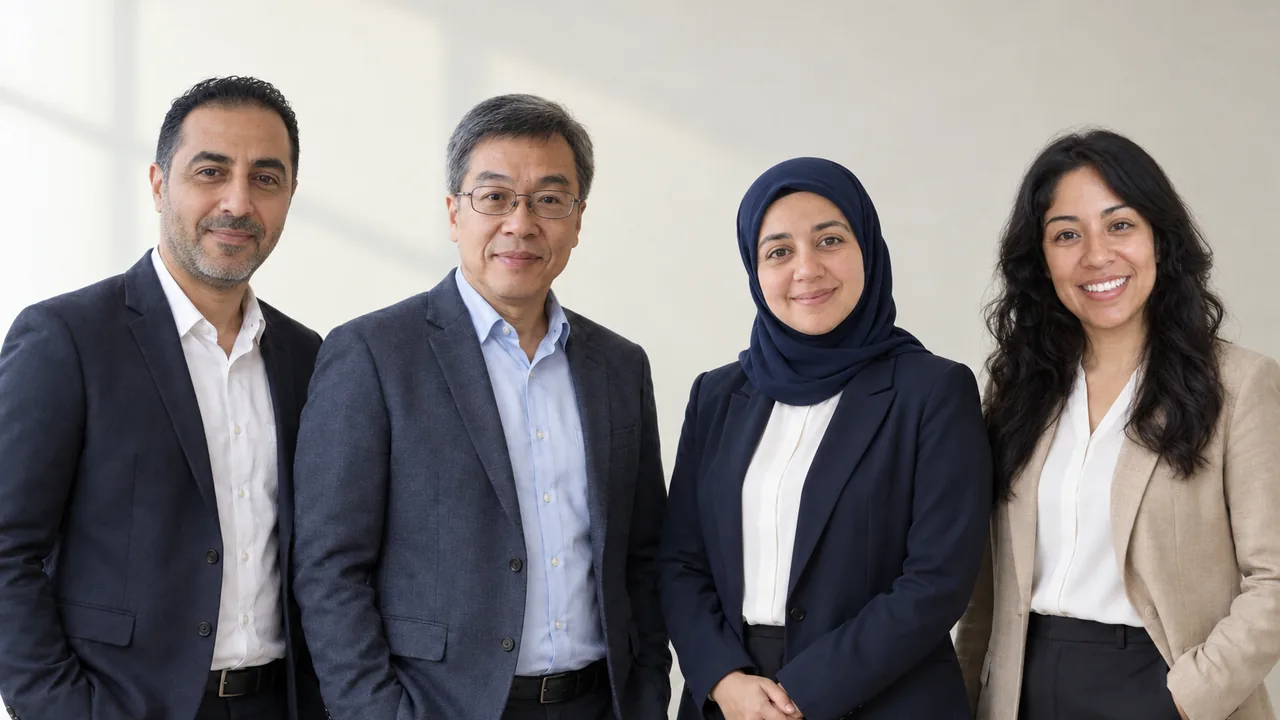
Most portraits end up on a screen, and normal download quality is more than enough for that. On LinkedIn, your website or the intranet, an image is shown scaled down anyway. Higher resolution brings no visible advantage there, you simply download the portrait and you are done.
Printing is a different story. On paper or large surfaces, too few pixels show up immediately and the image looks blurry or grainy. That is exactly what you create a 4K version for, one that stays sharp and detailed even printed large. A little extra credit applies for it, which you see every time before you confirm.
A quick touch-up first
If you want to adjust something before printing, like the crop or the brightness, you do it in the built-in editor. It runs right in the browser, costs no credit and needs no extra program. That way you go from selection through fine-tuning to a print-ready file in one flow.