Buy, assign and manage team subscriptions
1 min read
With snaptosuit you buy subscriptions for your whole team and distribute them to individual people. Each person gets their own private account, and you pay on a single shared invoice.
Buy subscriptions
In the pricing boxes you simply increase the quantity. Quantity one is your own subscription, every extra one is a subscription to distribute. You can also mix plans, for example a few Starter and a few Pro in the same purchase. There is no volume discount, every subscription costs the regular price.
Assign seats
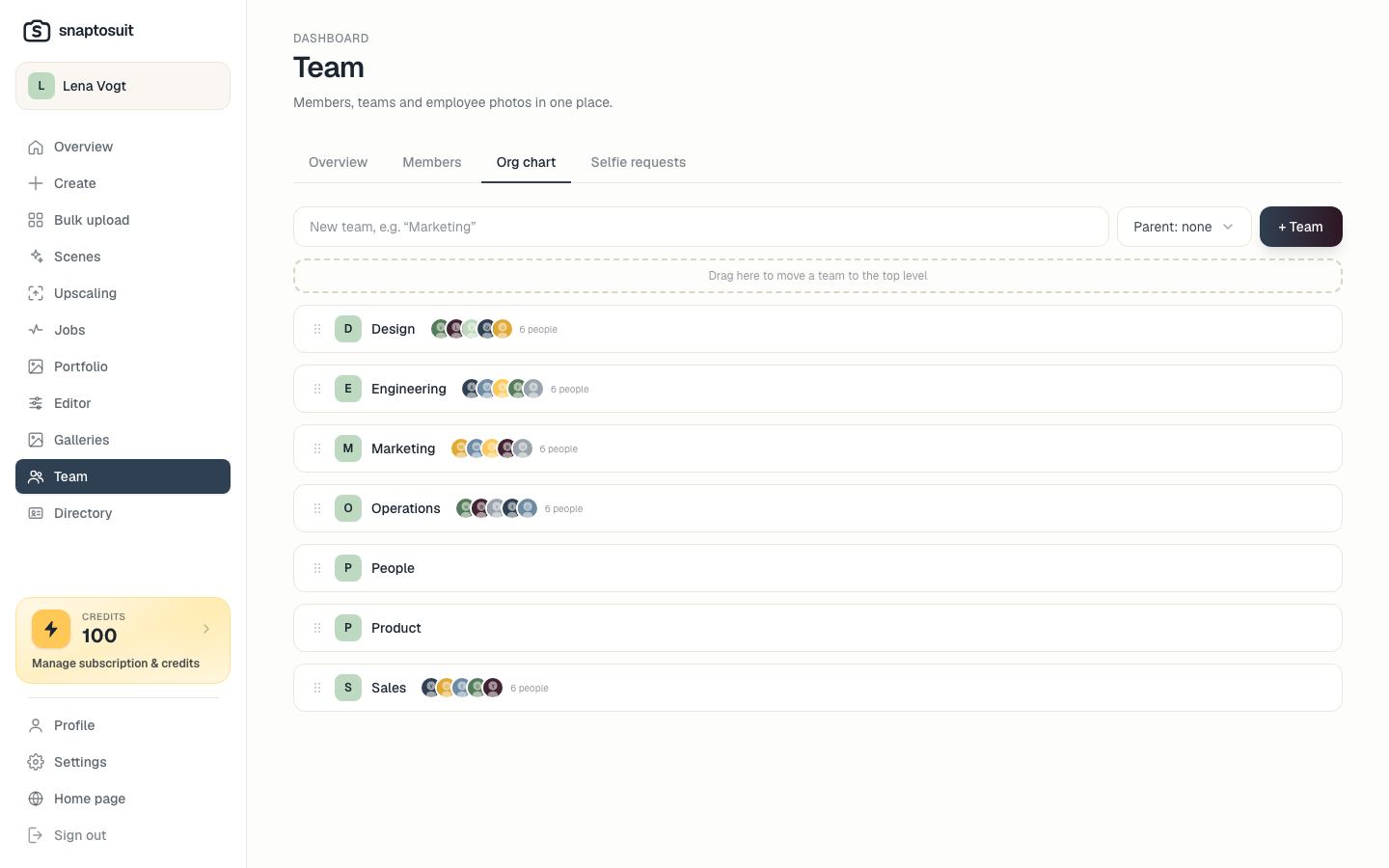
You find the management under My subscriptions. There you invite a person by email and choose their plan. You can invite any address, including outside your company.
Accept an invitation
The invited person accepts via the link in the email. If they already have a snaptosuit account, they can also accept the invitation right in the dashboard under Pending invitations. After that they receive their monthly credits.
Cancel individually
Under My subscriptions you cancel each subscription individually, you never have to end them all at once. A cancellation gives no partial refund. Credits already granted stay with the member, and no new credits arrive afterwards. For an upgrade you buy a larger subscription and cancel the smaller one.
Privacy
You manage subscriptions and payment, but never get access to your members' photos. Every account is fully private.
Related articles
Understanding credits, billing and invoices
How credits, plans, top-ups and invoices fit together.
Account, password and security
How to protect your account and stay in control of your data.
Comparing plans: which one fits you
From Solo to Business, and how to choose the right plan for yourself or your team.